Quick take: The American Academy of Pediatrics (AAP) recommends no screen time for babies under 18 months, except for video calls with family. For toddlers (18–24 months), limit screen time to high-quality, interactive content for no more than 1 hour per day, and always co-view with them. Developmental experts say the biggest risks are delayed speech, attention struggles, and disrupted sleep—so prioritize real-world play, conversation, and face-to-face connection over screens.
How Much Screen Time Is Safe for a 12-Month-Old Baby?
Let’s be real: You’re sitting on the floor with your 12-month-old, trying to fold laundry while they gnaw on a teething toy. Your phone buzzes with a video of a baby giggling at a colorful app. Just five minutes? You’ve heard conflicting advice—some friends swear by screen time for “mental stimulation,” while your pediatrician’s office has a poster that looks like it was printed in 2005. Where do you even start?
Here’s the hard truth: The American Academy of Pediatrics (AAP) is clear—no screen time at all for babies under 18 months, except for video calls with family (like Grandma reading a book over FaceTime). That’s right: zero. Not even those “educational” apps or cartoons. The reasoning? At this age, babies learn best through real-world interaction—touching, exploring, and mimicking faces. Screens, even “baby-friendly” ones, can disrupt that critical development.
But we get it. You’re exhausted. Your partner’s at work. Your toddler sibling is screaming. A few minutes of screen time might feel like a lifeline. Here’s how to make it work—without guilt or developmental damage:
- If you must use screens: Stick to video calls with loved ones. The American Psychological Association (APA) notes that interactive, two-way communication (like reading a book together over Zoom) is the only screen time the AAP considers acceptable for this age.
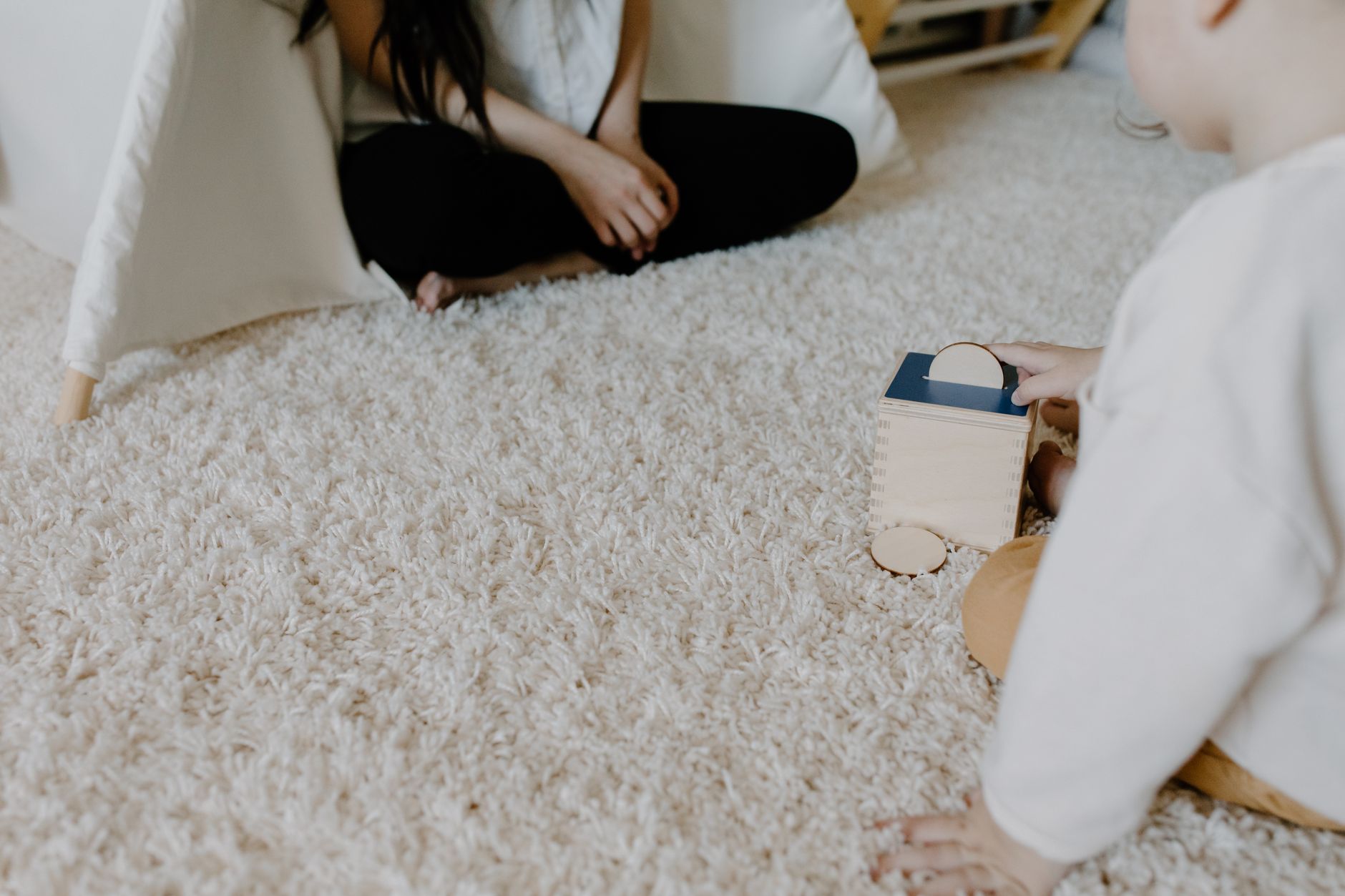
- Prioritize real-world play: Swap screens for interactive toys, sensory bins, or even just sitting on the floor and naming objects around you. Research from the AAP shows that toddlers who engage in face-to-face play develop stronger language skills than those who passively watch screens.
- Watch for warning signs: If your baby seems disinterested in toys, doesn’t point or babble, or gets fussy when screens turn off, it’s time to cut back. These could signal early signs of screen-time overuse, according to the American Academy of Pediatrics.
Representative story: “I’ll admit it—I used screen time like a babysitter when my son was 12 months old,” says Sarah, a mom of two. “I’d put him in front of a tablet while I prepped dinner, thinking it was giving him a break. But when he turned 18, his pediatrician pulled me aside and said, ‘He’s not babbling like other kids his age.’ Turns out, those ‘educational’ apps weren’t helping his speech—they were replacing real conversation. Now, we limit screens to video calls, and I make sure to narrate everything I do (‘Mommy is chopping carrots!’). It’s taken work, but his vocabulary has exploded.”
Key takeaway: The AAP’s guidelines aren’t about perfection—they’re about protecting your baby’s brain development. If you’re already using screens, focus on minimizing them and maximizing real-world interaction. Every minute spent playing with you, talking to you, or exploring the world is more valuable than any app.
Effects of Screen Time on a 2-Year-Old’s Development: What Pediatricians Really Say
By t
he time your child hits two, the screen-time debate gets messier. Some parents swear by educational shows like Blippi or Ms. Rachel, while others swear off screens entirely. So what’s the real impact on a 2-year-old’s brain, speech, and behavior?
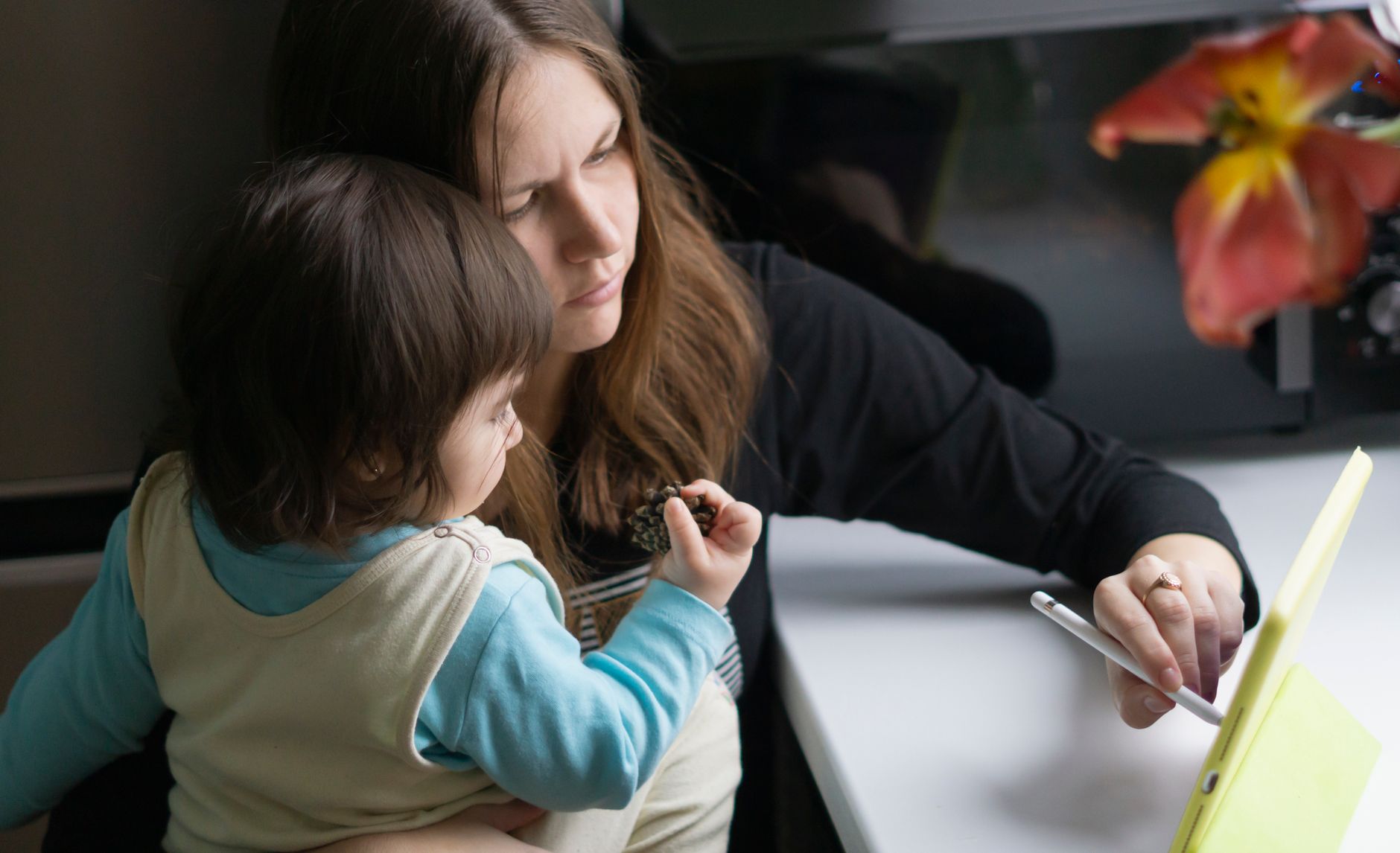
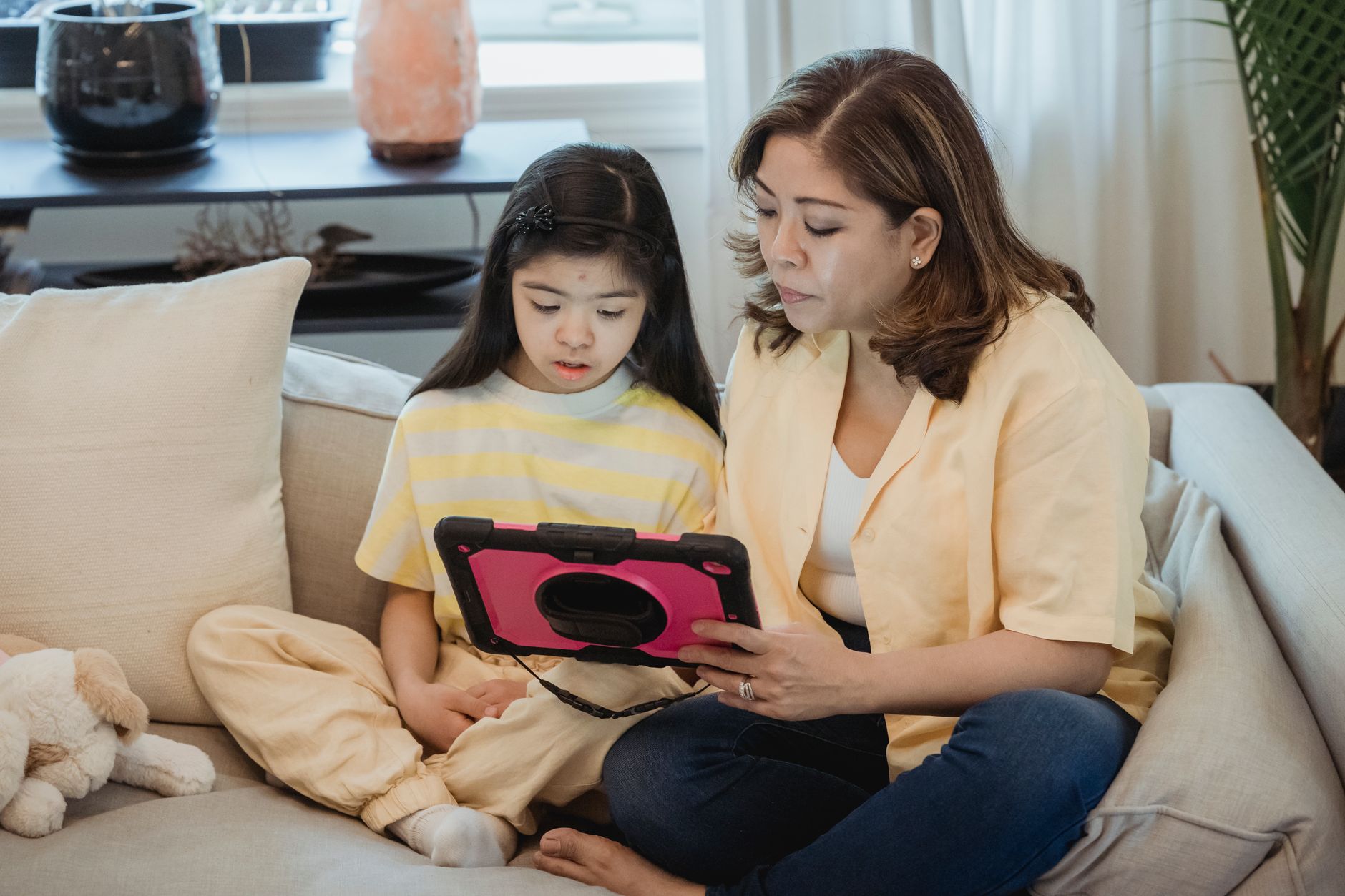
The AAP’s stance is clear but nuanced: For toddlers aged 18–24 months, screen time is allowed—but only if it’s high-quality, co-viewed, and limited to 1 hour per day. The key word here is co-viewed. That means you’re sitting right there with them, talking about what they’re seeing, asking questions, and engaging. Passive screen time—like leaving them in front of a tablet while you cook—does more harm than good.
Here’s what the research says about the risks:
- Delayed speech and language: A 2022 study in JAMA Pediatrics found that children under 2 who watched more than 2 hours of screen time daily had lower vocabulary scores compared to those with less exposure. The reason? Screens displace real conversation—the best way for toddlers to learn words.
- Attention struggles: Toddlers who spend too much time on screens may have harder time focusing on tasks later, according to the National Institute of Health (NIH). This isn’t just about screen time—it’s about how they’re using it.
- Sleep disruption: Blue light from screens can suppress melatonin, the hormone that helps you sleep. The National Sleep Foundation recommends no screens 1 hour before bedtime for toddlers.
- Emotional regulation: Some research suggests that excessive screen time may be linked to higher rates of anxiety and irritability in toddlers, possibly due to overstimulation.
But what about educational apps? Not all screen time is created equal. The Common Sense Media has rated some apps as high-quality for toddlers, but even those should be used sparingly. The best “educational” content is still real-world play—building blocks, pretend tea parties, or even just running around outside.
Representative story: “I thought Ms. Rachel was saving my sanity,” admits Priya, a mom of a 2-year-old. “She’d watch her show while I folded laundry, and it seemed like she was learning words. But then her pediatrician mentioned that passive screen time wasn’t helping her speech. Now, we watch Ms. Rachel together, and I narrate everything: ‘Oh, Priya, look at the red apple! Can you say “apple”?’ It’s taken more effort, but her vocabulary has skyrocketed.”
Key takeaway: If you’re using screens with your 2-year-old, make them interactive. Talk about what they’re seeing, ask questions, and limit total time to 1 hour per day. And if you’re worried about developmental delays, trust your instincts. If your child isn’t talking much or seems disinterested in toys, talk to your pediatrician.
Best Educational Apps for Babies Under 2: What Actually Works?
Let’s be honest: You’re scrolling through the App Store, and every third ad is for a “brain-boosting” app for babies. Which ones are worth it? And more importantly, how do you use them without harming your child’s development?
The good news? Some apps can be helpful—but only if they’re high-quality, interactive, and used in moderation. The AAP and Common Sense Media have reviewed hundreds of apps and found that the best ones for babies under 2 share these traits:
- Interactive and responsive: The app should react to your child’s actions—like making a sound when they tap a picture of an animal.
- No passive watching: Avoid apps that just play videos or animations. The best ones encourage your child to touch, drag, and explore.
- No ads or in-app purchases: These can be overwhelming for little brains and distract from learning.
- Age-appropriate content: Look for apps labeled “0–2 years” or “Toddler.”
Top-rated apps for babies under 2:
But here’s the catch: Even the best apps can’t replace real-world interaction. A 2021 study in Pediatrics found that children who spent more time on screens had lower social skills because they weren’t practicing face-to-face communication. So while apps can be a supplement, they should never be a replacement for playtime with you.
Pro tip: If you’re using an app, sit right next to your baby and talk about what they’re doing. Say, “Look, the cow goes ‘moo!’ Can you say ‘moo’?” This turns the screen time into a learning opportunity—not just passive entertainment.
Representative story: “I downloaded Endless Alphabet thinking it would help my son’s speech,” says Emily. “But after a few days, I realized he wasn’t saying any new words. Then I tried co-viewing—talking through the app with him—and within a week, he was repeating words he’d never said before. It was a game-changer.”
Key takeaway: If you’re going to use apps, choose wisely, use them sparingly, and always co-view. And remember: No app can replace the magic of real-world play—so keep those blocks, books, and backyard adventures coming.
Alternatives to Screen Time for Toddlers: Play-Based Learning That Actually Works
You’ve heard it before: “Screens are the new pacifier.” But what do you do when you’re drowning in laundry, emails, and toddler chaos? The answer isn’t quitting screens cold turkey—it’s about replacing them with better alternatives that engage your child’s brain, body, and imagination.
The AAP and developmental experts agree: Toddlers learn best through play. And not just any play—active, hands-on, social play. Here’s how to swap screen time for real-world activities that build skills:
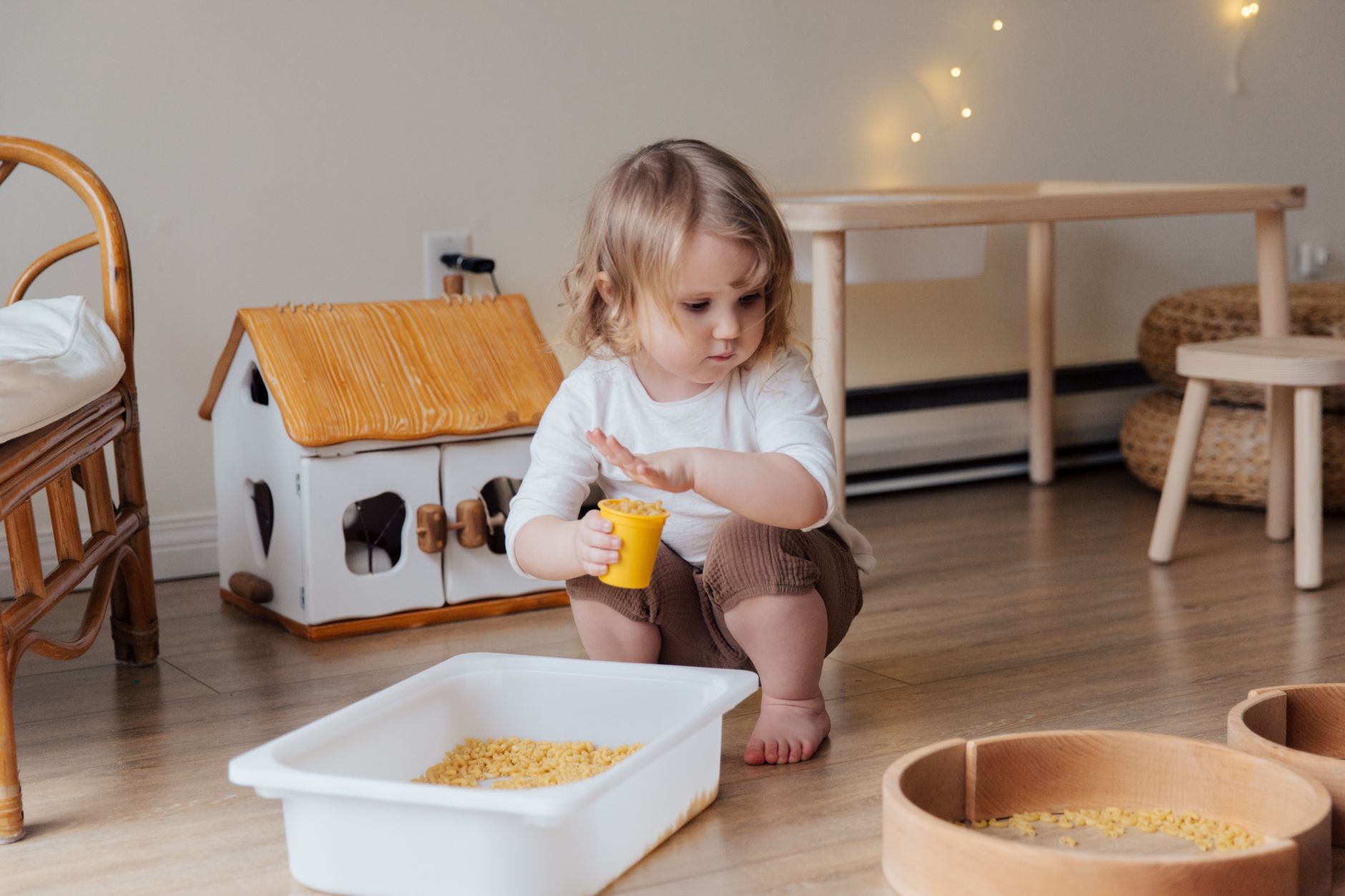
- Sensory play: Toddlers learn through their senses. Fill a bin with rice, beans, or water and let them explore with cups, spoons, and their hands. The American Academy of Pediatrics highlights that sensory play improves fine motor skills and cognitive development.
- Pretend play: Dress-up clothes, toy kitchens, or a blanket fort turn your living room into a world of imagination. Studies show that pretend play boosts language and social skills.
- Outdoor time: Even 20 minutes outside—running, digging, or just watching bugs—reduces screen time and improves focus. The AAP recommends at least 1 hour of outdoor play daily for toddlers.
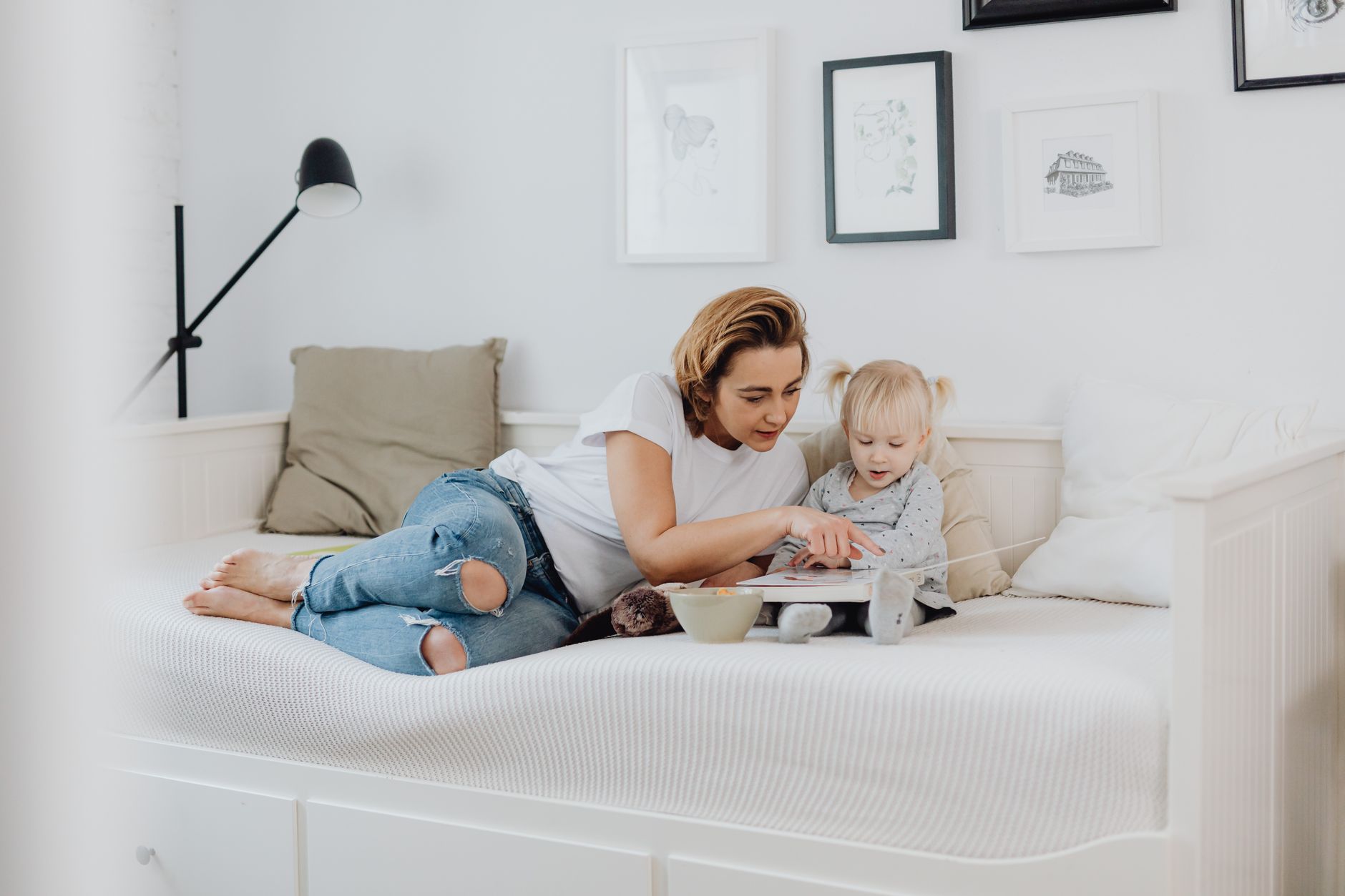
- Reading together: Books build vocabulary and bond you with your child. The AAP says reading aloud for just 10 minutes a day can improve a child’s reading skills later in life.
- Music and movement: Singing, dancing, or playing simple instruments (like a drum made from pots and spoons) enhances rhythm, memory, and coordination.
- Building and stacking: Blocks, LEGOs, or cardboard boxes encourage problem-solving and creativity.
Representative story: “I used to think screen time was the only thing that kept my son quiet,” admits Lisa. “But after a mom friend suggested a ‘sensory bin’ of rice and scoops, I saw a whole new side of him. He’d spend hours pouring, digging, and laughing—no screens needed. Now, our house is full of bins, books, and music instead of tablets.”
How to make the switch:
- Start small: Replace one screen session per day with an alternative activity. For example, if your toddler usually watches 30 minutes of TV, try 30 minutes of sensory play instead.
- Make it fun: Toddlers are more likely to engage in activities that feel like play, not work. Let them lead—if they love cars, build a “garage” with cardboard boxes.
- Get creative with routines: Turn chores into playtime. While you fold laundry, let your toddler “help” by sorting socks into piles.
- Involve other caregivers: If grandparents or babysitters struggle with screen time, share our guide to setting family-wide rules so everyone’s on the same page.
Key takeaway: The goal isn’t to eliminate screens—it’s to replace them with activities that build real skills. Start with one alternative per day, and watch as your toddler’s imagination—and vocabulary—grows.
Screen Time Guidelines for Infants According to Pediatricians: What’s the Science?
You’ve got a newborn, and the world of screen time seems like a minefield. Is it okay to let my baby watch a video? What about YouTube? When should I start introducing screens? The AAP and other pediatric experts have clear guidelines—but they’re often misunderstood. Let’s break it down.
The AAP’s official stance:
- No screen time for babies under 18 months, except for video calls with family. This includes TV, tablets, phones, and even educational apps. The reasoning? Infants learn best through face-to-face interaction, and screens can disrupt that critical development.
- For newborns (0–6 months): No screen time at all. Even “educational” content can be overwhelming for their developing brains. The AAP recommends skin-to-skin contact, baby-wearing, and real-world exploration instead.
- For babies 6–18 months: Still no screen time, except for video calls. If you’re using a tablet for a video call, keep it under 5 minutes and make sure your baby is engaging with you—not just staring at the screen.
But what about YouTube? The AAP is explicit: No YouTube for babies under 2. Why? Because:
- YouTube is not interactive: Babies can’t pause, rewind, or ask questions—they just watch. This doesn’t teach them anything.
- It’s full of ads and distractions: Even “baby-friendly” channels can have sudden loud noises or flashing lights that scare or overstimulate a baby.
- No co-viewing: The AAP’s guidelines only allow screen time when an adult is actively engaging with the baby. YouTube doesn’t allow that.
What about educational content? Even if a video is labeled “educational,” the AAP says it’s not worth the risk for babies under 2. The best “education” for this age comes from:
- Face-to-face interaction (talking, singing, reading)
- Real-world exploration (touching, chewing, discovering textures)
- Movement and play (tummy time, crawling, climbing)
Representative story: “I thought I was being so smart when I put my 9-month-old in front of a ‘baby-friendly’ YouTube channel,” says Priya. “But after a week, I noticed she wasn’t reaching for toys like other babies her age. Then her pediatrician said, ‘Screens aren’t teaching her anything—she’s just watching.’ Now, we spend all our time reading books and singing songs instead.”
Key takeaway: The AAP’s guidelines aren’t about being strict—they’re about protecting your baby’s brain development. If you’re already using screens with your newborn, cut back gradually and replace them with real-world interaction. And if you’re worried about developmental delays, trust your instincts—if something feels off, talk to your pediatrician.
Screen Time and Sleep Problems in Babies Under 2: How to Break the Bad Habit
You’re exhausted. Your baby won’t sleep through the night. And then you remember: that 30-minute tablet session before bedtime. Sound familiar? If so, you’re not alone. Many parents use screens as a crutch for bedtime—but it’s doing more harm than good.
The problem? Blue light from screens tricks your baby’s brain into thinking it’s daytime. This suppresses melatonin, the hormone that helps you (and your baby) sleep. The National Sleep Foundation warns that even 30 minutes of screen time before bed can delay sleep by up to 3 hours.
Here’s how screen time messes with sleep:
- Delayed bedtime: Babies who watch screens before bed take longer to fall asleep and sleep less deeply.
- Poor sleep quality: Studies show that children under 2 who use screens before bed have more night wakings.
- Behavioral issues: Some research links excessive screen time to higher rates of anxiety and irritability in toddlers.
How to fix it:
- Set a screen-free window: The AAP recommends no screens 1 hour before bedtime for toddlers. Start with 30 minutes, then gradually increase.
- Replace screens with calming activities: Try reading a book, singing a lullaby, or giving a gentle massage instead of handing over a tablet.
- Use white noise: A white noise machine or fan can block out distractions and help your baby relax.
- Stick to a routine: Babies thrive on predictability. A consistent bedtime routine (bath, book, cuddles) signals that it’s time to sleep.
- Watch for warning signs: If your baby is fussy, cranky, or has trouble falling asleep after screen time, it’s time to cut back.
Representative story: “I used to let my daughter watch a show before bed because it ‘calmed her down,’” says Rachel. “But after a few weeks of her waking up multiple times a night, I realized the screens were the problem. Now, we read books and cuddle instead, and she sleeps like a dream.”
Key takeaway: If you’re using screens as a bedtime crutch, it’s time to make a change. Start with one screen-free evening per week, then gradually increase. Your baby—and your sleep—will thank you.
Screen Time Recommendations for Babies with Autism: A Parent’s Guide
If your child has autism, screen time can feel like a double-edged sword. On one hand, screens can be a calming tool during meltdowns or sensory overload. On the other hand, too much screen time can worsen communication delays or social skills. So how do you strike the right balance?
The AAP’s guidelines still apply—but with some adjustments for neurodivergent children. Here’s what experts recommend:
- No screen time for babies under 18 months, except for video calls with family. This includes babies with autism. The AAP’s reasoning still holds: real-world interaction is the best way to learn.
- For toddlers with autism (18–24 months): Screen time is allowed, but it should be highly structured and interactive. The Autism Speaks organization suggests:
- Use screens for specific goals: If your child is working on speech, use apps that focus on repetition and imitation.
- Keep sessions short (5–10 minutes): Toddlers with autism can easily become overstimulated.
- Pair screens with real-world practice: If your child learns a word from an app, use it in real life too.
- Avoid passive screen time: Avoid letting your child watch TV or videos without interaction. This can reinforce avoidance of real-world engagement.
- Watch for sensory sensitivities: Some children with autism are overwhelmed by bright lights or loud noises on screens. If this is the case, use dim lighting and headphones.
What about special interest apps? Some apps are designed specifically for children with autism, focusing on:
Representative story: “My son with autism used to have meltdowns every time we tried to take away his tablet,” says Jamie. “But after working with his occupational therapist, we realized the screens were replacing real-world interaction. Now, we use apps for specific goals—like teaching him to ask for ‘more’—and then practice it in real life. It’s taken work, but his speech has improved.”
Key takeaway: If your child has autism, screen time should be a tool—not a crutch. Work with your pediatrician or a developmental specialist to create a plan that balances screen time with real-world practice. And remember: every child with autism is different—what works for one may not work for another.
Screen Time and Language Development in Toddlers: What the Research Says
You’ve heard it before: “Screens are killing my child’s speech.” But is that really true? The answer isn’t black and white—it depends on how, when, and why you’re using screens. Let’s break down what the research says about screen time and language development.
The AAP and other experts agree: Passive screen time can delay speech. A 2022 study in JAMA Pediatrics found that toddlers who spent more than 2 hours a day on screens had lower vocabulary scores compared to those with less exposure. Why? Because:
- Screens replace real conversation: Toddlers learn language best through face-to-face interaction. If they’re watching a show instead of talking to you, they’re missing out on critical back-and-forth.
- Passive watching doesn’t teach: Even “educational” shows can’t replace active learning. Kids need to practice repeating words, asking questions, and responding.
- Fast-paced content overwhelms: Many toddler shows use rapid cuts and loud noises that can overstimulate a child’s brain and make it harder to focus on language.
But what about interactive apps? Some research suggests that high-quality, interactive apps can support language development—but only if they’re used the right way. The Common Sense Media found that the best apps for language:
- Encourage repetition (e.g., “Say ‘ball!’ and I’ll say it back!”)
- Provide feedback (e.g., “Great job! You said ‘dog’!”)
- Are co-viewed (you’re sitting right there with your child)
How to use screens to boost language (without harming it):
- Make it interactive: If you’re using an app, talk through it with your child. Say, “Look, the cow goes ‘moo!’ Can you say ‘moo’?”
- Limit passive screen time: Avoid letting your child watch TV or videos without interaction. If you’re not talking about what they’re seeing, it’s not helping their language.